





Tablet Screen Replacement Cost: A Complete Breakdown
Tablet screen replacement cost in Singapore can range from about S$86 for some budget glass repairs to more than S$700 for premium laminated displays. The price depends on the tablet model, the damaged layer, the part used and whether you have protection coverage.
That range feels surprising because “screen replacement” sounds like one job. It isn't. A cracked outer glass with a working display is a very different repair from replacing a bonded glass, touch sensor and LCD as one assembly. Before approving any quote, ask what the price includes.
Table of Contents
- Understanding the Real Cost of Tablet Screen Replacement
- Brand-Specific Repair Pricing Breakdown
- Why Some Replacements Cost More Than Others
- DIY versus Professional Repair Services
- How myhalo Extends Your Device's Life
- Making the Smartest Choice for Your Budget
Understanding the Real Cost of Tablet Screen Replacement
Tablet screen replacement cost is rarely a flat fee. A Singapore repair guide lists iPad glass-only replacements from S$86 for 5th to 9th generation models, while full-assembly repairs reach S$133 for 7th to 10th generation models, S$148 for iPad mini 5th to 6th generation, S$186 for iPad Air 3rd to 5th generation, and S$238 or more for iPad Pro 11-inch and 12.9-inch M1 and M2 models. The same guide gives a typical turnaround of 1 to 2 hours. Singapore iPad screen replacement pricing and turnaround shows why the model matters immediately.
A broader Singapore guide places iPad 9th and 10th generation glass-and-digitiser work at S$110 to S$220, iPad Air repairs at S$180 to S$320, and laminated iPad Pro screen repairs at S$350 to S$700 or more. The Singapore market ranges aren't directly comparable unless you confirm whether each quote covers glass only, the digitiser, or the full display assembly.
Glass damage versus assembly damage
The outer glass protects the display and provides the surface your finger touches. The digitiser detects touch, while the LCD or other display panel creates the image. Some tablets allow a technician to separate and replace only the damaged layer. Others use tightly bonded components, making a full module replacement more practical.
Check the picture, touch response, display brightness and any lines or black patches. A device with cosmetic cracking but normal image and touch behaviour may have a different repair path from one with dead zones or display distortion.
Practical rule: Never compare two prices until you know whether both quotes cover the same repair scope and the same model.
For businesses, this distinction affects downtime, procurement approval and the cost of keeping a working device in circulation. A contractor sourcing parts may also find a useful starting point in affordable electronics for contractors, but compatibility and installation quality still need checking. Before arranging a repair or replacement, review myhalo's tablet condition guide so you can assess whether the rest of the device remains suitable for continued use.
Brand-Specific Repair Pricing Breakdown
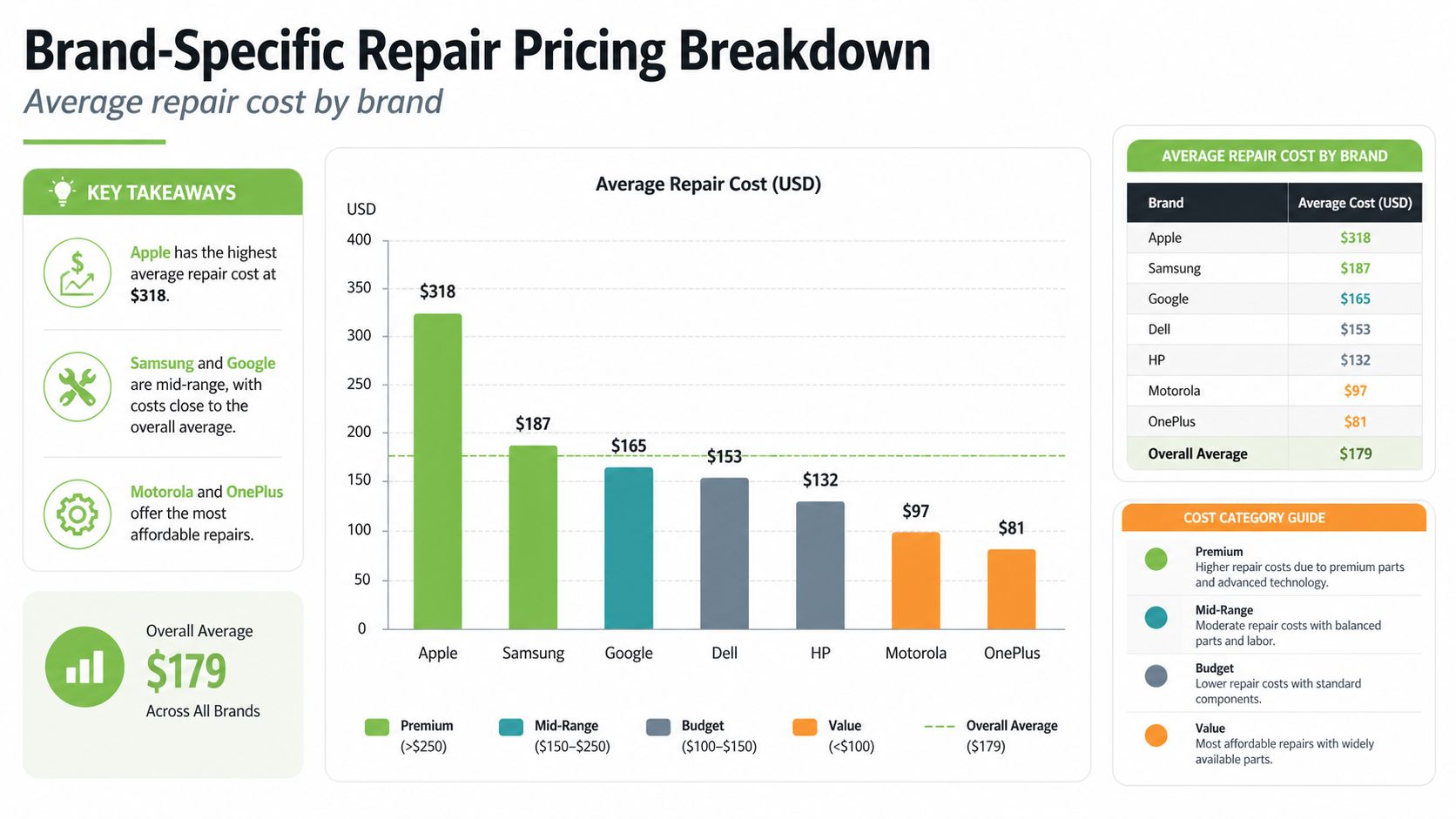
Brand pricing matters less than repair scope. A quote for separating damaged glass is not comparable with a quote for replacing the entire display assembly. Model generation, warranty status, parts availability and the technician's process can shift the final decision.
Apple iPad repair pricing
Independent Singapore listings show examples from S$86 for selected glass-only jobs to S$238 or more for certain iPad Pro M1 and M2 models. Wider references place iPad 9th and 10th generation glass-and-digitiser work at S$110 to S$220, iPad Air repairs at S$180 to S$320, and laminated iPad Pro work at S$350 to S$700 or more. These are market references, not guaranteed quotes for every configuration. See the Singapore iPad repair price references and confirm whether the listed job is glass-only or a full assembly replacement.
Apple's official Singapore pricing can change the calculation completely. Out-of-warranty “other damage” repairs range from S$549 for an iPad A16 Wi-Fi to S$1,765 for an iPad Pro 13-inch M5 Wi-Fi + Cellular. With AppleCare+, the listed range is S$42 to S$148, depending on the model. The Apple repair pricing in Singapore makes warranty and care-plan status the first checks before approving independent work. A newer iPad may justify official service for predictable parts and support, while an older model may make a glass-only repair financially stronger.
Samsung Galaxy Tab repair pricing
Samsung's spread reflects generation and component scope. Published Singapore menus list older Galaxy Tab screen replacements around S$75 to S$105. Premium models reach about S$278 for screen replacement, while LCD replacement is listed at S$438 to S$508. The Samsung Galaxy Tab repair pricing shows why “screen replacement” and “LCD replacement” should never be treated as interchangeable terms.
| Device Category | Lower Range | Upper Range |
|---|---|---|
| Older Samsung Galaxy Tab screen replacement | S$75 | S$105 |
| Samsung premium screen replacement | S$278 | S$278 |
| Samsung LCD replacement | S$438 | S$508 |
| iPad 9th and 10th generation glass and digitiser | S$110 | S$220 |
| iPad Air screen-related work | S$180 | S$320 |
| Laminated iPad Pro screen repair | S$350 | S$700+ |
The table is useful only after matching repair scope, model and parts grade. For a work tablet, the Samsung service-centre considerations in Singapore can help compare authorised diagnosis, warranty implications and downtime. If a full assembly quote approaches the value of a reliable Certified ReLoved replacement, replacement may preserve more usable hardware and reduce electronic waste from discarding an otherwise serviceable device.
Why Some Replacements Cost More Than Others
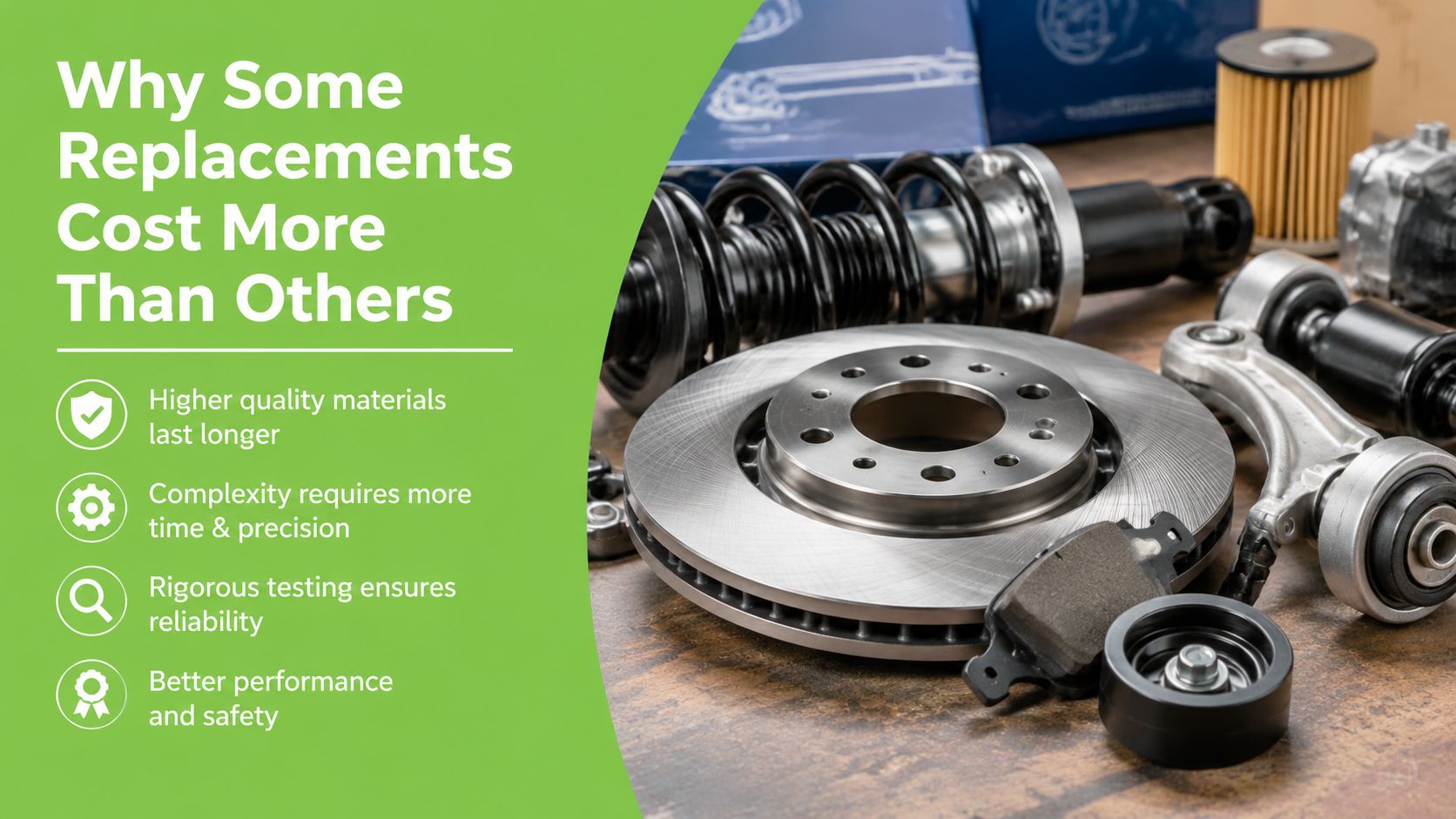
A modern tablet screen is closer to a layered sandwich than a sheet of glass. The cover glass sits above the touch-sensing layer, which sits close to the display. In a laminated panel, these layers are bonded together to reduce reflections and keep the tablet thin. That construction improves the viewing experience, but it can make separation and replacement more demanding.
Samsung's Singapore repair listings describe the cost step-up through larger laminated displays, higher-resolution panels and tighter integration between glass, touch sensor and display modules. The component explanation behind Samsung tablet pricing is especially relevant when a quote distinguishes “screen replacement” from “LCD replacement”.
What the technician is actually replacing
With a simpler design, a technician may replace the outer glass while preserving the working display. That requires specialist separation, cleaning and bonding. If the LCD has lines, dead pixels, dark areas or touch failure, a full assembly may be needed instead.
Replacing a standard screen is one thing, but replacing one with bundled sensors or wiring involves more parts, more testing, and greater responsibility for alignment. A low price may reflect a compatible part, limited warranty coverage or a narrower repair scope, not necessarily better value.
Ask these questions before paying:
- Is the quote for glass only, the digitiser, LCD, or a complete assembly?
- Does the replacement part match the original brightness, colour and touch performance?
- Will the technician test speakers, cameras, charging, buttons and biometric features after repair?
- What happens if a new fault appears after installation?
A repair should restore useful working life, not create another round of troubleshooting.
DIY versus Professional Repair Services
DIY repair looks attractive when the visible problem is only a crack. A kit may include replacement glass, adhesive and basic tools, but the difficult work happens after the tablet is opened. Separating bonded layers without damaging the display takes control, heat management and patience. Reassembling the panel without dust, uneven adhesive or touch problems takes similar care.
For an older tablet used occasionally, a confident hobbyist may accept that risk. The economic calculation changes if the tablet contains schoolwork, business files or a specialised app setup. A failed repair can turn a contained screen problem into a device that needs additional diagnosis.
When DIY can make sense
DIY is more defensible when the tablet has low replacement value, the owner has repair experience and a failed attempt won't disrupt work. It also helps when the repairer can source a compatible part and has a safe workspace.
The apparent saving may disappear if the glass cracks during separation, a cable tears or adhesive contaminates the display. Kits rarely provide the same accountability as a professional service, and part quality can vary even when the listing looks convincing.
When professional repair is the safer choice
Professional service suits premium tablets, devices needed daily and repairs involving laminated assemblies. A competent technician can diagnose whether the fault is limited to the glass or extends to touch and display layers. They can also test the device after installation and explain warranty terms.
A cheap repair is only cheap if the tablet works reliably afterwards.
Use the same discipline for tablets that you would use for other personal electronics. Singapore mobile phone repair guidance offers a useful reminder that diagnosis, part selection and post-repair testing matter alongside the headline price.
| Option | Main advantage | Main risk |
|---|---|---|
| DIY glass repair | Potentially lower upfront spend | Further damage, inconsistent finish and limited recourse |
| Independent professional repair | Diagnosis and installation support | Part quality and warranty terms vary |
| Brand or authorised service | Formal service process and model support | Out-of-warranty pricing may be high |
| Replacement device | Immediate change in hardware condition | Higher purchase cost and data migration work |
Before handing over the tablet, back up data, remove sensitive accounts where possible and ask how the repairer handles failed parts. A professional process should make those responsibilities clear.
How myhalo Extends Your Device's Life
A screen quote shouldn't be viewed in isolation. The tablet may also have a tired battery, worn charging port, outdated software support or a bent frame. If the display repair is expensive and several other components are near the end of their useful life, replacing only the screen may preserve a problem rather than extend a dependable device lifecycle.
myhalo operates as a technology lifecycle partner, with options that include repair, reuse, trade-in and responsible recycling. Its tablet services can support diagnosis and screen-related repairs, while a replacement device can make more financial sense when the existing tablet needs a high-cost full assembly.
Repair, reuse and the total value equation
A Certified ReLoved tablet can be a practical alternative when the repair quote approaches the value of the device or when downtime matters more than preserving one specific unit. These devices undergo 30-point quality checks, with transparent device grading and battery health disclosure. That information lets a buyer compare a known replacement condition against an uncertain repair outcome.
Certified Surplus products provide another reuse route for buyers who want a device that hasn't followed the same path as a conventional second-hand purchase. The right choice depends on the tablet's intended workload, accessories, software needs and warranty terms, not the lowest listed price.
For an SME, the calculation also includes staff productivity and asset management. A reliable replacement can return a worker to normal operations faster, while a repair may be sensible when the tablet is otherwise healthy and the part cost remains proportionate. Keeping suitable hardware in service reduces unnecessary purchasing and supports smarter resource utilisation.
What responsible lifecycle support should include
Look for a process that makes condition and service boundaries visible. myhalo's stated ISO 9001 certification relates to quality management, while ISO 27001 certification relates to information security management. Those labels don't remove the need to read the specific warranty or repair terms, but they provide useful context when a business is assessing how a provider manages quality and data-related processes.
mylo AI Assistant and RescueAdvise can also help customers with device choices and support needs. Use those tools to clarify options, then confirm the exact model, repair scope, warranty and battery condition before proceeding. Sustainable technology isn't only about recycling a broken tablet. It also means retaining value through repair, reusing working equipment and choosing replacement hardware that fits the job.
Making the Smartest Choice for Your Budget
Start with the device, not the price search. Record the exact model, storage configuration and connectivity type, then check whether AppleCare+, a retailer warranty or another protection plan applies. Apple's Singapore pricing shows how coverage can change the out-of-pocket amount from a high out-of-warranty “other damage” charge to a much lower AppleCare+ service fee. The official Singapore pricing reference is a useful prompt to verify coverage before authorising work.
Request a written diagnosis that answers four questions:
- Is the damage limited to the glass?
- Does touch input work across the whole screen?
- Is the image free from lines, dark patches and distortion?
- Does the quote include labour, parts, testing and warranty?
Then compare the repair total with the tablet's current usefulness, not just its original purchase price. Include battery condition, software support, physical frame damage and the cost of losing access to the device during repair. Online figures are starting points, because the final requirement can change after diagnosis. A Singapore repair estimator for Samsung explicitly says its published figure is only an estimate, not the final cost. Samsung's repair estimate guidance supports treating any online price list cautiously.
If the tablet is otherwise healthy and the repair scope is limited, repair can preserve value efficiently. If a premium laminated assembly costs several hundred dollars and the tablet has other ageing components, compare that quote with a warranty-backed Certified ReLoved replacement. Reuse can be the more sensible financial decision, while recycling the damaged device responsibly keeps materials from being discarded without a plan.
For a comparison, myhalo can help you evaluate repair, reuse and replacement options rather than treating every cracked screen as the same job. Visit myhalo to explore tablet repair support, Certified ReLoved and Certified Surplus devices, transparent grading and lifecycle services that can help you keep useful technology in service for longer. Use the exact model and damage details when asking for guidance so the recommendation reflects your real budget and workload.