





How to Fix Samsung Screen: 2026 Singapore Repair Guide
Your Samsung hits the floor, you pick it up, and the first question isn't “how do I fix samsung screen”. It's usually “how bad is this, and can I still get through today without making it worse?”
That's the right place to start. A cracked display can be a minor nuisance, or it can be the start of touch failure, black patches, lines, or a phone that still rings but shows nothing. In Singapore, that decision matters more than is commonly understood because heat, humidity, and daily commute wear can turn a barely-manageable screen issue into a full replacement problem if you wait too long.
Table of Contents
- Is Your Samsung Screen Cracked, Black, or Unresponsive?
- The DIY Samsung Screen Repair Workflow
- Common DIY Pitfalls and Why They Happen
- When to Choose Professional Repair Instead
- Your Samsung Repair Options with myhalo
- Aftercare and Preventing Future Screen Damage
Is Your Samsung Screen Cracked, Black, or Unresponsive?
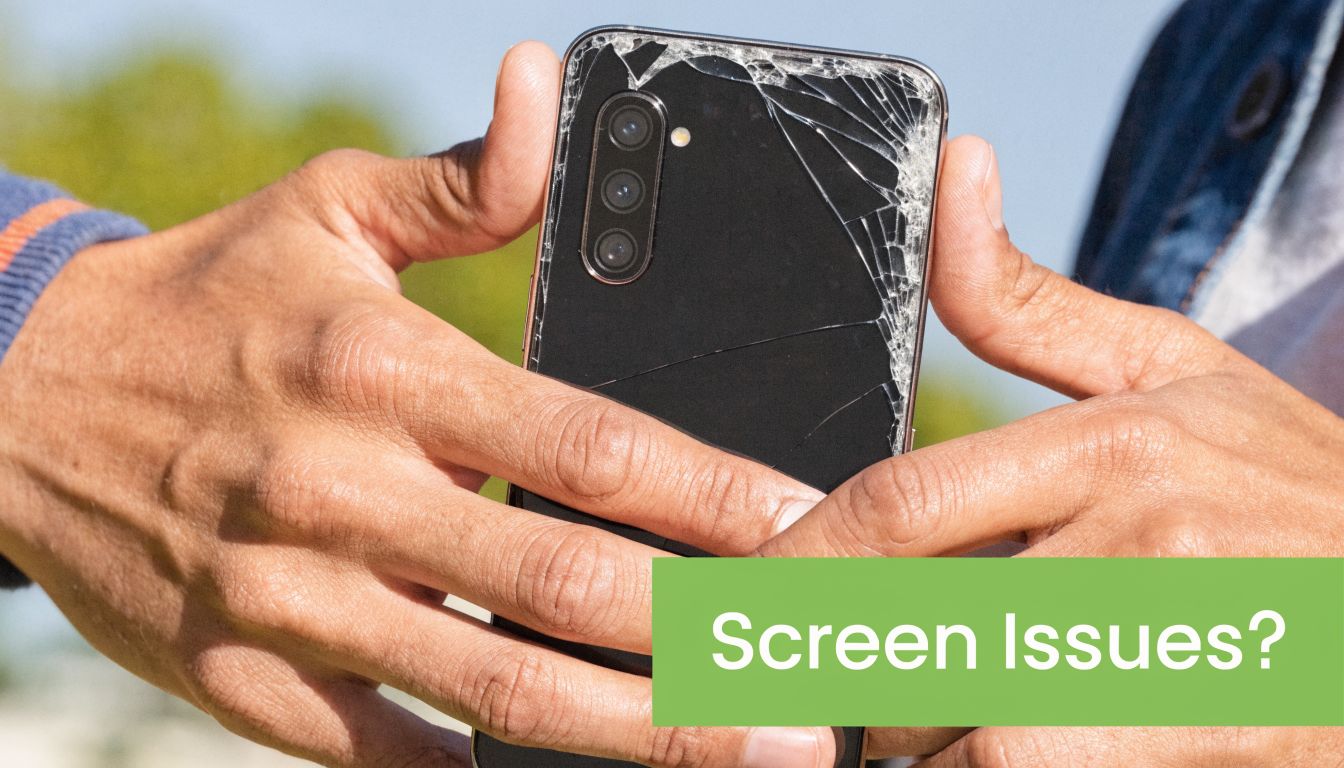
You step off the MRT, reach for your phone, and notice a fresh crack across the Samsung screen. By lunchtime, the display starts showing lines. By evening, part of the touch stops responding. That progression is common in the workshop. Screen damage often starts with one impact, but the repair decision depends on what failed, how badly it failed, and how much risk you want to carry for the next few days.
Start with what you can still do
Before deciding on DIY or booking a repair, check the phone in four areas:
- Display check. Does the screen light up fully, or do you see black patches, green or pink lines, flicker, or dark blotches under the glass?
- Touch check. Can you type and swipe across the whole panel, or do some zones miss input or tap on their own?
- Frame check. Is the damage limited to the front, or has the frame bent, separated, or lifted at one corner?
- Heat and battery check. Does the phone get hotter than usual after the drop, or is the back panel starting to rise?
These checks matter because the symptom changes the best next move. A cracked top layer with normal image and touch gives you more room to plan. A black screen, ghost touch, or bent frame usually means a deeper failure and a narrower margin for DIY mistakes.
Practical rule: If the phone still works, back up your data first. Screens can deteriorate fast once the panel or adhesive has been compromised.
What the symptoms usually mean
A spiderweb crack with normal touch is often the least urgent case. Even then, I would not leave it too long in Singapore. Heat, humidity, and daily pocket pressure can turn a stable crack into touch failure or line damage, especially once moisture starts working past the broken edge.
A black screen with vibration or sound usually means the phone is still powering on but the display assembly has failed. A ghost touch issue usually points to digitiser damage. Ink-like bleeding, vertical lines, or patches that spread usually mean the OLED panel itself is damaged, not just the outer glass.
Local conditions matter here. Phones in Singapore deal with high humidity, strong outdoor heat, and frequent temperature shifts between the street, office, and transport. That combination is hard on adhesives and already-weakened screens. If damage is minor and your budget is tight, careful short-term use may be reasonable. If you rely on the phone for banking, work logins, or ride bookings, the safer call is usually earlier repair.
A quick severity guide
| Symptom | Likely severity | What to do first |
|---|---|---|
| Hairline crack, display normal | Lower | Back up, use gently, plan repair |
| Touch dead in one area | Medium | Stop forcing input, arrange diagnosis |
| Black patches or coloured lines | High | Back up immediately if possible |
| Screen fully black but phone still responds | High | Avoid repeated restarts, get proper testing |
| Frame bent or panel lifting | High | Don't press it back down yourself |
Looks can be misleading.
A phone that still turns on can still fail at the wrong moment. I have seen devices work well enough for messaging, then die during payment authentication or a work call because the panel finally gave way. That's why the question isn't just “is it cracked?” It's “is this still safe and worth using until repair?”
The DIY Samsung Screen Repair Workflow
DIY can work. It's not magic, and it's not always reckless. But fixing a Samsung display yourself only makes sense if you understand what the job involves, not just the highlight reel from a short video.
What you're really signing up for
On modern Samsung phones, the screen isn't just a piece of glass clipped onto the front. It's a bonded assembly, tied closely to touch layers, adhesive, flex connections, and model-specific internal layout.
A typical professional methodology for a Samsung A55 involves applying an iHeater at 60°C for 2 to 3 minutes, using a Pentalobe PH00 driver for screws, carefully disconnecting 50-pin flex cables with a spudger, and calibrating the digital hall sensor via the #0# menu after reassembly, according to Samsung's self-repair guidance for phone screen work.
That list alone tells you something important. This isn't “remove old screen, stick on new one”.
The usual DIY flow
Here's the workflow commonly underestimated:
-
Data backup first
Before heat, tools, or prying, protect your photos, chats, and app access. If the repair goes wrong, data recovery becomes a separate problem. -
Confirm the exact part
Samsung models can look nearly identical while using different assemblies. Getting the wrong screen means wasted time before you even start. -
Open the phone carefully
Adhesive has to be softened without overheating the back glass. Then the rear panel or display side has to be lifted without twisting the frame. -
Disconnect and strip components
Battery isolation matters. Flex cables, camera modules, earpiece parts, and sensors may need to be transferred depending on model and part type. - Clean old adhesive completely Many home repairs often go awry at this point. If the frame isn't clean and flat, the new assembly may not sit properly.
-
Test before sealing
Touch, brightness, proximity, speaker output, front camera, fingerprint behaviour, and any sensor-related features should be checked before final closure. -
Reassemble and allow cure time
Adhesive needs time. Rushing straight back into pocket use can undo a repair that seemed fine on the bench.
The tools that separate a clean repair from a messy one
You don't need a huge workshop. You do need the right tools and enough patience to use them properly.
- Heat source. Controlled heat matters more than brute force. Too little heat and you pry too hard. Too much and you damage glass or nearby components.
- Precision driver set. A PH00 driver and the correct screw bits stop you from stripping tiny fasteners.
- Plastic spudger and opening picks. These reduce the chance of cutting or crushing internal connectors.
- Tweezers. Useful for routing adhesive tabs and handling small parts, but only if you have a steady hand.
- Adhesive and cleaning materials. Old residue must come off cleanly before the new screen goes on.
If you've never worked with phone adhesive before, the hardest part usually isn't removing the broken screen. It's closing the phone properly afterward.
DIY makes sense for some people
DIY tends to make more sense when the phone is older, the risk is acceptable, and you already own precision tools. It also suits people who don't mind spending an afternoon learning, checking, and rechecking.
It makes less sense when you need the phone back quickly, use it for work, or can't afford a second attempt. The repair itself is only one part of the decision. The bigger question is whether you want to spend your time managing risk, or paying someone else to absorb it.
Common DIY Pitfalls and Why They Happen
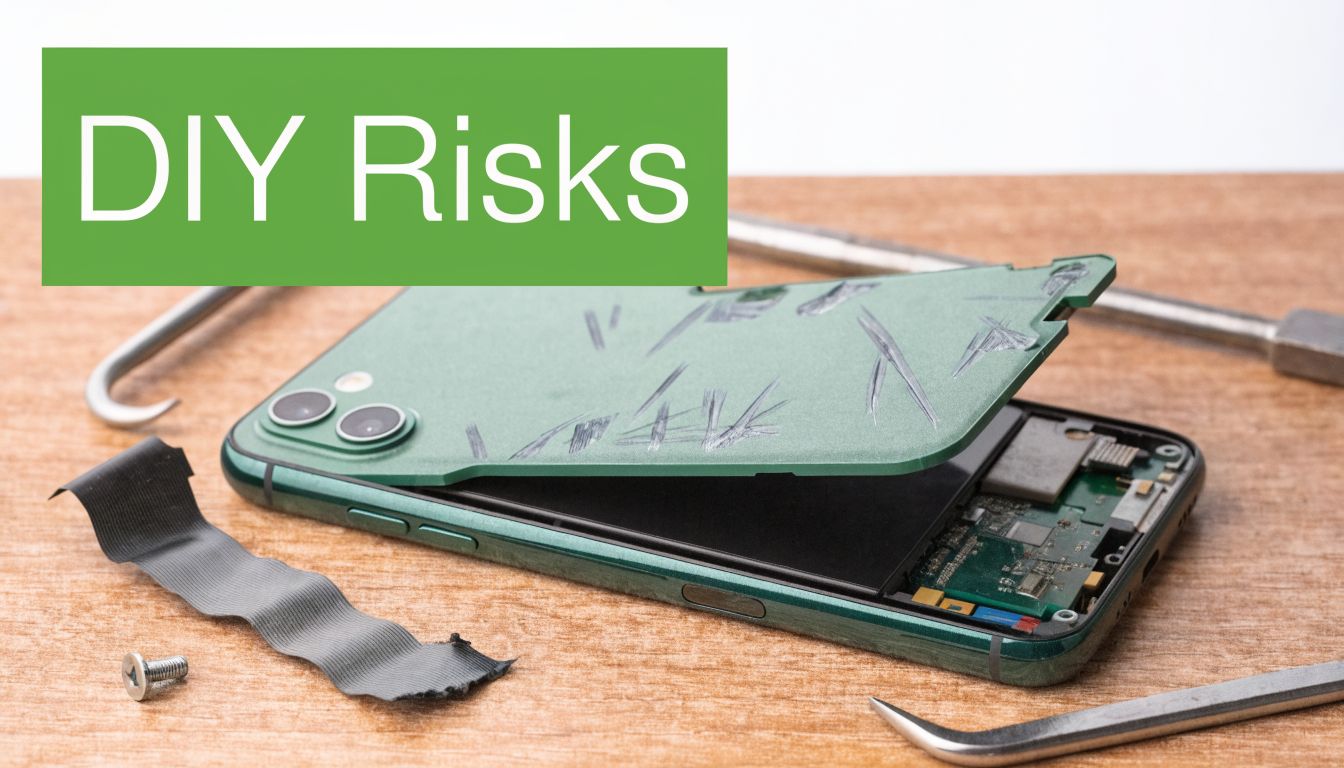
The biggest trap with DIY screen repair is that it often looks clean and simple on video. Real phones don't behave like practice units. Adhesive stretches oddly, screws bind, flex cables sit tighter than expected, and one rushed movement turns a repairable phone into a parts phone.
Adhesive problems are more common than most people think
In Singapore, 34% of screen repair failures are due to adhesive mismanagement, and that rises in humid seasons. The same source notes that 25% of DIY attempts result in flex cable shear, and heating the back glass above 80°C can cause micro-cracks in Gorilla Glass Victus, according to this Samsung Galaxy screen repair pitfalls guide.
Humidity is part of the reason. Adhesive behaves differently when the air is damp, residue softens unevenly, and trapped contamination can stop the new panel from sitting flush. That's why a repair that “looks fine” can later develop lift, pressure marks, or touch issues.
The mistakes that usually cost the most
-
Too much heat
People often think more heat means easier opening. It doesn't. Beyond a safe point, the glass and bonded layers start taking damage. -
Wrong angle when prying
Flex cables are thin and unforgiving. If your pick or tool enters at the wrong depth, you can shear a cable before you even see it. -
Rushed adhesive cleanup
Leaving old adhesive behind creates uneven seating. That can lead to display pressure points or poor sealing. -
Skipping test-fit checks
Some first-time repairers close the device fully, then discover the earpiece, front camera, or touch response isn't right.
Here's a useful visual if you want to see how quickly small handling mistakes turn into bigger repair issues:
Why YouTube confidence often falls apart
Videos compress time. They also hide repetition. A technician may know exactly how much resistance is normal when lifting a panel, or how to tell whether adhesive is ready to release. A first-timer usually doesn't.
What feels “stuck” may actually be “not ready”. That's where most accidental cracks and torn cables happen.
Singapore's climate adds another layer. Heat and moisture don't just affect comfort. They change how adhesive softens and how quickly exposed internals pick up dust and residue. That's one reason DIY outcomes vary so much from one person to the next, even when they follow the same general guide.
If you're trying to fix samsung screen at home, the main risk isn't just failure. It's partial success. The phone powers on, but touch feels wrong, sealing is weak, or a sensor stops behaving properly a few days later.
When to Choose Professional Repair Instead
Professional repair is the smarter move when the cost of getting it wrong is higher than the cost of the repair itself. That usually means one of four things. The phone is still valuable to you, you rely on it daily, the damage is more than cosmetic, or you don't want to gamble your weekend on adhesive and ribbon cables.
A practical way to judge it is by asking what failure would cost you. Not just in money, but in missed work messages, banking access, transport apps, photos, and the hassle of setting up a replacement device.
The decision points that matter
| Situation | DIY may be reasonable | Professional repair is usually wiser |
|---|---|---|
| Old secondary phone | Yes | Sometimes |
| Main work phone | Rarely | Yes |
| Curved or premium display model | Risky | Yes |
| Black screen or lines after impact | Risky | Yes |
| You already own proper tools and have repair experience | Possibly | Depends |
| You need the phone back fast | Rarely | Yes |
There's also a long-term value argument. A 2025 Deloitte SG study found that professional screen repairs extended the average Samsung Galaxy device lifespan by 18 months, helping prevent premature disposal, as noted in Samsung's cracked screen repair information. If you plan to keep the phone, that extra usable life changes the maths.
Good professional repair is really about risk transfer
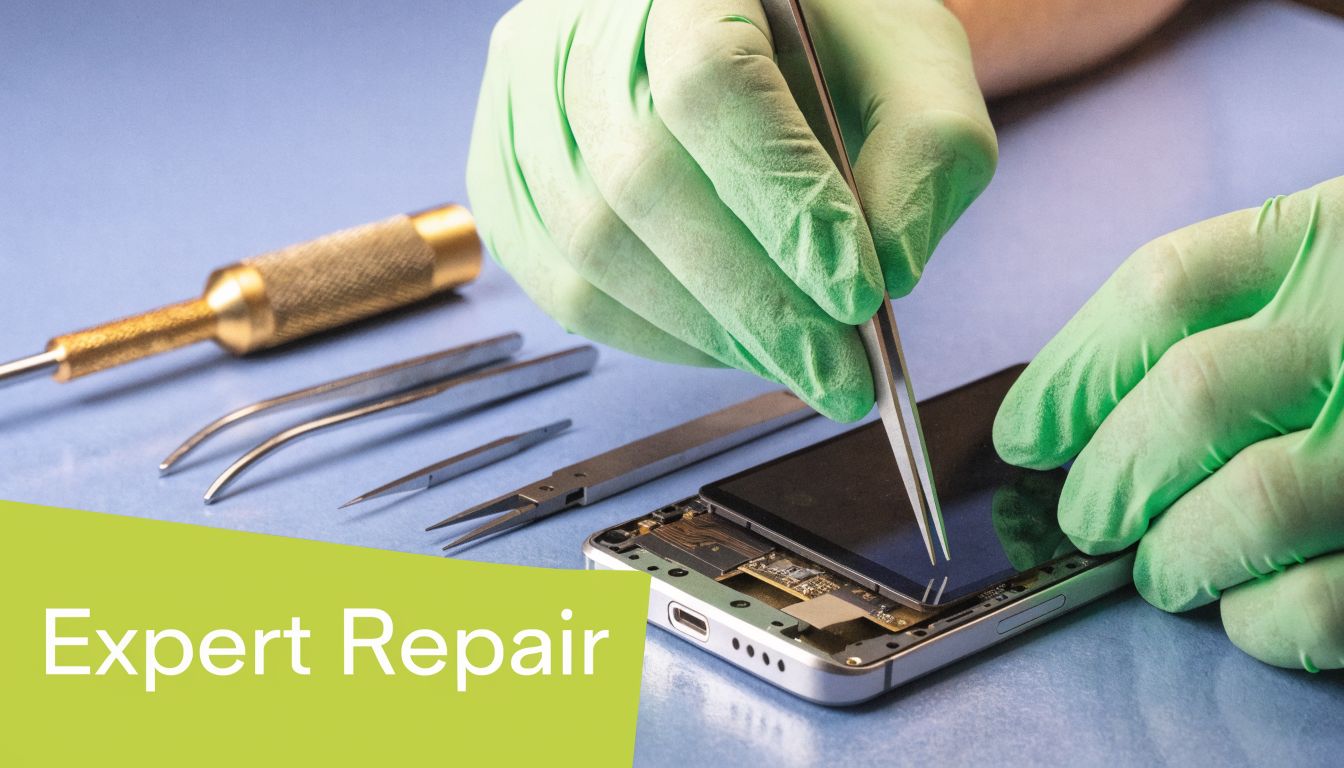
A proper shop isn't just selling labour. It's taking on the fiddly part you'd otherwise have to manage yourself. Diagnosis, clean disassembly, fitment, testing, and accountability all sit on their side of the table.
That logic applies beyond phones. If you've ever compared display repair decisions on laptops, the same thinking shows up in resources like Steel City IT Sheffield laptop repairs, where the main value isn't just replacing a panel. It's avoiding secondary damage and wasted downtime.
Three times I'd stop considering DIY
-
Your phone is still under any form of cover or service arrangement
DIY can complicate later claims or support conversations. -
The frame is bent or the panel is lifting
That's no longer a simple “screen only” job. -
You use the phone for business, school, or payments every day
A failed attempt can cost more than the repair fee.
If you're weighing service routes in Singapore, it helps to compare authorised support, independent repair, and turnaround expectations before deciding. This guide to Samsung service centre options in Singapore is a useful place to start.
Your Samsung Repair Options with myhalo
In Singapore's smartphone repair market, over 65,000 Samsung screen repairs were logged in 2024, and professional service providers achieved a 91% customer satisfaction rate, according to this Singapore Samsung screen repair overview. The same verified data notes that myhalo uses an ISO 9001:2015-certified process that supports e-waste reduction through refurbishment work.
That matters because a screen fix isn't just about replacing what's broken. It's about whether the phone comes back aligned, tested, and worth keeping.
What a practical repair option should give you
When people ask me what to look for in a repair provider, I don't start with branding. I start with process.
- Clear diagnosis. You want to know whether you're dealing with outer glass damage, full display failure, or a wider issue.
- Transparent part and labour expectations. If the repair changes because of hidden damage, that should be explained, not sprung on you after the fact.
- Functional testing. A phone that lights up isn't necessarily fully fixed.
- A realistic turnaround. Fast is useful, but only if the testing is still thorough.
For readers comparing options, phone screen repair services in Singapore can help you see what to ask before you hand over your device.
Where myhalo fits
myhalo is one route for people who've decided the professional path makes more sense than home repair. The practical appeal is straightforward: in-store support at Bugis Junction, WhatsApp contact, repair and device-care services, and a process tied to quality checks rather than guesswork.
For budget-conscious users, students, and small teams, that can be more useful than trying to optimise every dollar on a DIY job that carries real downside. If the aim is to keep a Samsung in service instead of replacing it too early, a repair provider with refurbishment and trade-in context usually gives better advice than a shop that only wants to swap one part and move on.
A good technician doesn't just ask “Which model is it?” They ask what happened, what still works, and how long you plan to keep the phone.
What to ask before you book
Ask blunt questions. That's the easiest way to avoid disappointment.
- Is this likely a full display assembly repair or a simpler fix?
- Will touch, sensors, and front-facing functions be tested before collection?
- How long will the phone be out of action?
- What support applies if something isn't right after pickup?
The strongest repair choice is usually the one that matches your actual life. If you need certainty, speed, and less risk, professional service is easier to justify. If you mainly want the cheapest possible path and accept the trade-offs, that's a different decision.
Aftercare and Preventing Future Screen Damage
A Samsung screen repair is only half the job. What you do in the next few days often decides whether that repair holds up well or comes back with lifted edges, pressure marks, or fresh cracks. In Singapore, that decision matters more because heat, humidity, and daily commuting put extra stress on adhesive, protectors, and cases.
The strategic choice does not end at DIY or professional repair. Aftercare is where that earlier decision starts to show its value. If you repaired the phone yourself to save money, careful handling protects that savings. If you paid for professional work, a few basic habits help you avoid paying twice.
The first week is where repairs usually pass or fail
Use the phone normally, but do not treat it like a fresh-out-of-box device.
- Keep it away from heat. Avoid dashboards, direct afternoon sun, and charging under a pillow or blanket.
- Skip steam and moisture-heavy rooms. Bathrooms after a hot shower and busy kitchens are poor places for a recently repaired phone.
- Fit a case straight away. The highest-risk drop is often the first one after pickup because people assume the job is “done.”
- Go easy on the edges. Adhesive and seals hold better when the frame is not being flexed or squeezed.
I usually tell customers the same thing. The screen is fixed, but the phone still needs a short settling period.
Buy protection based on your actual risk
Cheap accessories create their own problems. A loose screen protector that lifts at the corners collects dust fast in humid weather. A thin fashion case may look fine but still leaves the corners exposed, which is exactly where many Samsung screens fail on impact.
Choose protection based on how you use the phone. Office users who rarely drop their device can get by with a slimmer case and a good protector. Riders, site workers, students carrying phones in packed bags, and parents handing a phone to kids should use more corner coverage even if it adds bulk. If you want a plain-language starting point, this guide to essential Samsung phone protection covers the basics well.
If you are comparing materials, this breakdown of phone screen protector options helps explain where tempered glass makes sense and where film is the better fit.
Small habits prevent expensive repeat repairs
| Habit | Why it helps |
|---|---|
| Keep the phone in a separate pocket from keys and coins | Cuts down on scratches and point pressure |
| Remove the case and clean it now and then | Stops trapped grit from grinding against the frame |
| Charge and update the phone in a cool spot | Reduces heat stress during heavier processing |
| Check early for lifting, lines, or touch dead spots | Gives you a chance to fix a small issue before it turns into a full display failure |
One more trade-off is worth being honest about. A heavily used phone that has already had one screen repair may not be worth chasing cosmetic perfection. The smarter goal is stable, usable life at a sensible cost. Catching small issues early usually gives you that. Waiting until the screen goes black rarely does.
If your Samsung screen is cracked, black, flickering, or only partly responding, myhalo is one place to compare repair, protection, trade-in, and replacement options without guessing your way through it.