





Challenger Paya Lebar: A Shopper's Guide for 2026
Challenger Paya Lebar is at #04-01, Level 4, PLQ Mall, and it opens 11 am to 9:30 pm daily. If you're heading there to buy a laptop, phone accessory, or last-minute tech item, that's the practical answer you need first.
Individuals searching for Challenger Paya Lebar aren't typically looking for a mall directory entry. They're usually on the way there, comparing options, or trying to decide whether it's the right stop for a new device, a replacement charger, or a warranty issue. That's where a simple address isn't enough.
The more useful question is this. If you make the trip to PLQ, what should you realistically expect from the store, and when does a traditional electronics retailer make sense compared with a broader device lifecycle option that covers repair, trade-in, reuse, and responsible end-of-life handling?
Table of Contents
- Your Quick Guide to Challenger Paya Lebar
- Navigating to the Challenger Store in PLQ Mall
- Product Selection What to Expect In-Store
- Understanding In-Store Services and Support
- The Smart Alternative A Technology Lifecycle Partner
- Frequently Asked Questions
Your Quick Guide to Challenger Paya Lebar
You're on the way home, a charger has failed, or you need a last-minute keyboard before tomorrow's work starts. In that situation, Challenger Paya Lebar is useful because it gives you a straightforward retail stop inside PLQ Mall, with daily opening hours from 11:00 am to 9:30 pm.
The practical value is speed. If you want a replacement mouse, a phone accessory, basic storage, or a quick look at mainstream consumer tech, this branch does the job. It suits shoppers who want to see products in person and leave with something the same day, without planning a longer purchase process.
Challenger also works best when you treat it for what it is: a convenient chain store with a familiar format. That usually means predictable stock categories, standard retail support, and a browsing experience built for quick decisions rather than deeper ownership planning. That matters now that Challenger has also been pushing more premium and luxury audio in some parts of its business. For buyers who just need a cable or headset today, that shift may not matter much. For anyone replacing a laptop, phone, or tablet, it helps to look beyond shelf selection and consider repairability, trade-in value, and what happens at the next upgrade cycle.
When this store makes sense
- Same-day replacement. You need a keyboard, webcam, SSD, or charger without waiting for delivery.
- Physical product checks. You want to feel the build, check the size, or compare accessories on the spot.
- Convenient errand stacking. You are already in Paya Lebar for work, food, or commuting.
A store visit solves the immediate problem. It does not always solve the full device lifecycle.
For bigger-ticket purchases, a more deliberate buying approach often leads to a better outcome, especially if support, refurbishment, trade-in, and future upgrades affect the true cost of ownership. That is where a lifecycle partner can be the smarter long-term option. If you want a clearer framework before deciding, start with this guide to choosing the right device buying path.
Navigating to the Challenger Store in PLQ Mall
You are changing trains at Paya Lebar, your charger has failed, and you want a quick stop that does not turn into a 45 minute hunt. The practical route is simple. Enter PLQ Mall from the MRT interchange and head to Level 4, where Challenger is located, as noted earlier in the article.

The main advantage here is convenience. PLQ sits in a busy work-and-transit cluster, so the trip usually makes sense if you are already nearby for the office, lunch, or a commute home. In practice, the store is easy to reach. The variable is crowd level, especially once the after-work flow starts.
Best times to go
Timing changes the experience more than the route does.
- Quick accessory run. Go in the late morning or early afternoon if you want a faster in-and-out visit.
- Product comparison. Mid-afternoon usually gives you a better shot at getting staff attention for basic questions.
- Weekend visit. Expect heavier foot traffic, slower movement around display areas, and more waiting at checkout.
What the trip feels like on the ground
PLQ is an active mixed-use precinct, not a quiet standalone mall. That matters because your visit to Challenger often competes with commuter traffic, meal crowds, and general errand runs. On a weekday, the route in is straightforward, but the mall can still feel packed around lunch and from early evening onward.
For small purchases, that may be fine. You grab the item and leave.
For bigger purchases, the trip is only one part of the decision. A physical store helps with immediate access, but it rarely gives you the full picture on repair paths, trade-in value, or whether the device will still make sense for you two years from now. That is the gap many buyers only notice after checkout.
A better habit is to confirm the details before you travel. Use the myhalo contact page for device advice and support checks if you want to compare buying, repair, or trade-in options first. That approach takes a little more planning up front, but it usually leads to a smarter long-term decision than treating tech shopping as a single store visit.
Product Selection What to Expect In-Store
Walk into Challenger PLQ for a replacement charger, and it is easy to leave comparing laptops, earbuds, and phone accessories instead. The branch is built for general consumer tech shopping, so the mix usually covers the practical categories people buy every day, not niche specialist gear.
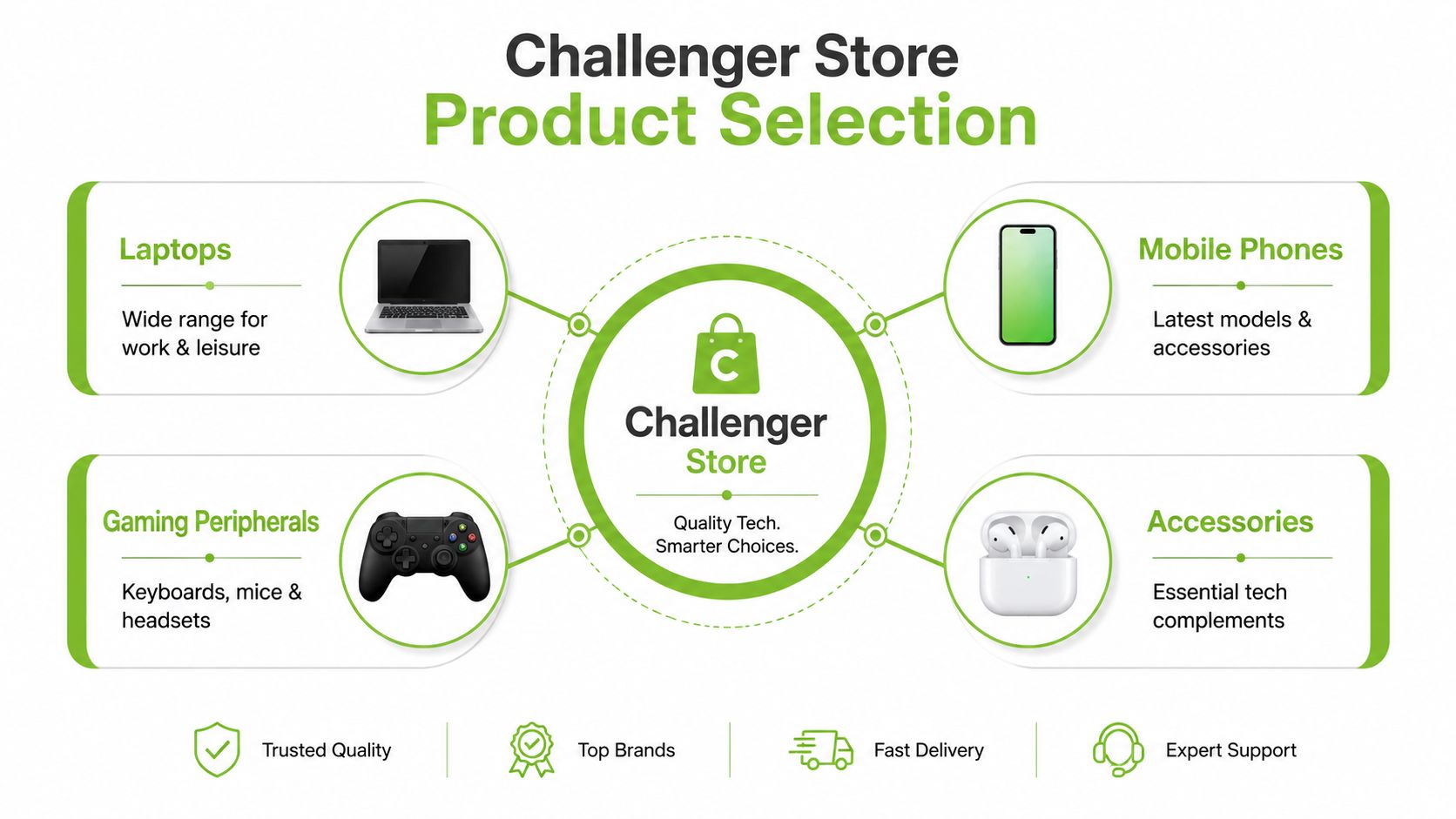
Expect the usual retail spread: laptops, mobile phones, gaming peripherals, and fast-moving accessories such as chargers, adapters, cases, cables, storage, and audio products. That range makes Challenger Paya Lebar useful for shoppers who want to compare mainstream options in one stop.
The trade-off is familiar. Breadth helps with convenience, but depth can be uneven. You may get enough choice for a straightforward purchase, yet not enough variation if you are chasing a very specific spec, repair-friendly model, or the best long-term value after trade-in.
What shoppers typically get the most value from
For a practical store visit, these are the categories that tend to make sense on the shelf:
| Category | Best for | What to check |
|---|---|---|
| Laptops | Students, office users, home productivity | Spec balance, warranty terms, upgradeability |
| Mobile phones | Mainstream buyers replacing a daily device | Storage tier, display unit condition, accessory bundle |
| Gaming peripherals | Casual to enthusiast users | Comfort, switch type, compatibility |
| Accessories | Urgent replacement purchases | Cable standard, wattage, return eligibility |
Accessories are often the easiest win. If your cable failed, your charger is underpowered, or you need a case the same day, a physical branch is still useful.
Higher-value purchases need more scrutiny. A laptop or phone is not just a shelf decision. It is also a repair decision, a resale decision, and a replacement-cycle decision. Shoppers who want to plan that full arc should also review current device trade-in options in Singapore before buying, especially if the next upgrade is likely within one to three years.
A changing retail focus at PLQ
One recent shift matters for value-conscious buyers. Challenger is pushing further into premium audio, with a new 5,000 sq ft concept store planned for its PLQ branch in Q3 2026, according to The Business Times coverage of the ION concept initiative. In practice, that can change how floor space, displays, and staff attention are allocated inside the branch.
That does not mean everyday IT products vanish. It does mean the store may gradually feel less like a pure mass-market IT stop and more like a mixed retail space with stronger premium positioning. If you are shopping on function, lifespan, and total cost, go in with a shortlist.
That is also where a lifecycle partner such as myhalo starts to make more sense than a single-store purchase. Challenger is useful for seeing products in person and handling immediate needs. Myhalo fits better if you want the whole chain covered, buying, repair, protection, and trade-in, without treating each device decision as a separate transaction.
Understanding In-Store Services and Support
Support is where a retail purchase either holds up or starts to feel thin.
At Challenger Paya Lebar, the in-store experience usually works best for straightforward needs. Staff can help confirm specs, point out accessory compatibility, and explain the retailer's process for warranty or exchange cases. For a shopper who wants a quick answer at a physical counter, that convenience still matters.
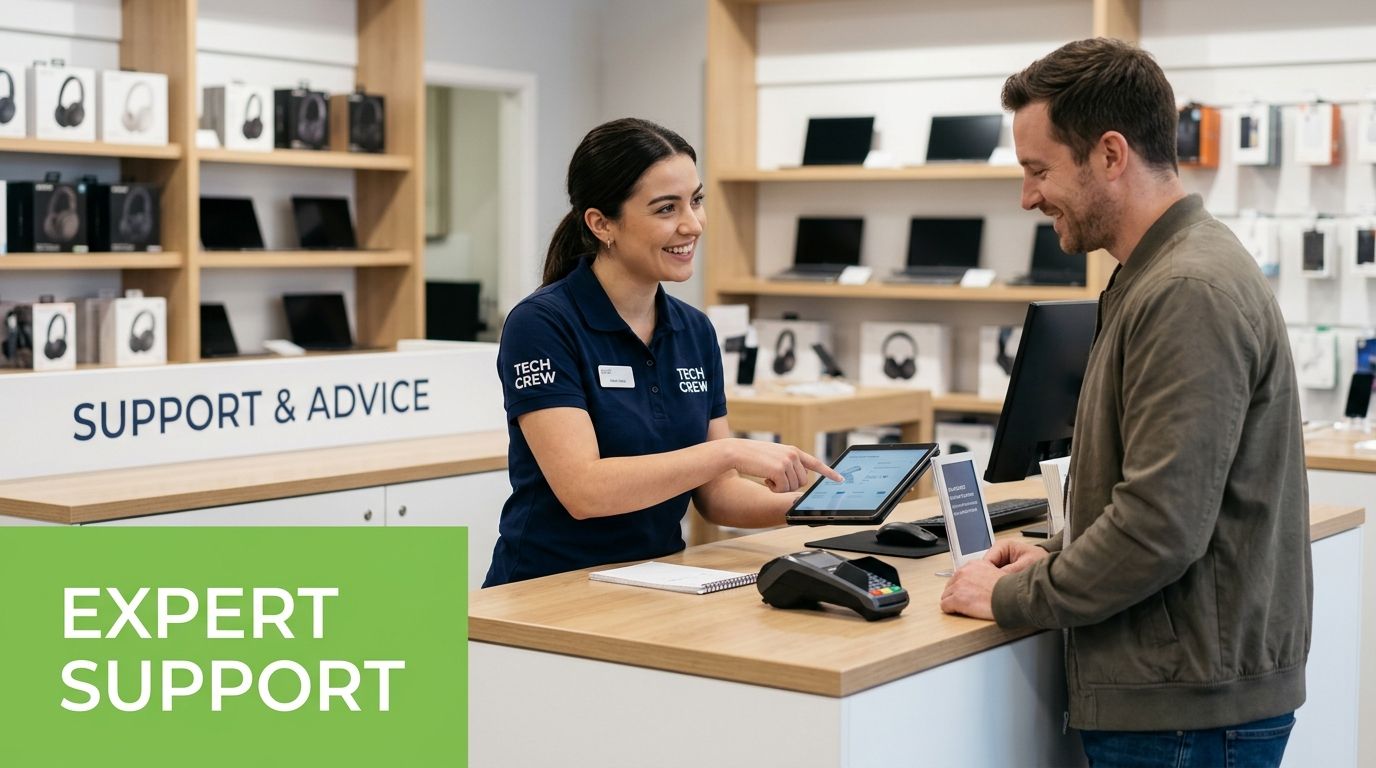
The limitation is scope. Retail support is usually built around the sale, the receipt, and the store process. Once the issue becomes more complicated, such as data migration, whether a repair is still worth paying for, or how to recover value from an older device, the answer often sits outside a normal store workflow.
What usually works well at the counter
- Product clarification for mainstream laptops, accessories, peripherals, and common use cases
- Warranty process guidance when the item falls within the retailer or brand support path
- Basic after-sales direction if you need to know where to send the device or what documents to prepare
That structure exists for a reason. Challenger runs as a large retail network with centralised processes, so branch staff are expected to follow standard service steps instead of making case-by-case exceptions. From an operations point of view, that is sensible. From a buyer's point of view, it means the support quality is often strongest when your problem fits the standard script.
I see the trade-off often in Singapore. A store is helpful when you need to buy today, replace a charger, or sort out a routine warranty question. It is less useful when you are deciding between repair, resale, trade-in, or replacement based on actual value over time.
That is why it helps to check practical device trade-in options in Singapore before a device fails completely. The earlier you know the resale path, the easier it is to judge whether a repair still makes sense or whether it is time to switch.
The same planning mindset shows up in other small business tools too. For example, an AI receptionist for small businesses is useful because it handles an ongoing operational need, not just a one-time purchase. Device ownership works the same way. The smart question is not only where to buy, but who can help you keep hardware useful, serviceable, and recoverable over its full life.
The Smart Alternative A Technology Lifecycle Partner
A lot of people still buy tech as a one-step transaction. Walk in, pay, walk out, then deal with the rest later. That approach works for accessories and simple replacements, but it's often inefficient for higher-value devices.
A better way to think about ownership is through the full lifecycle. How long will the device stay useful? Can it be repaired sensibly? Is there a transparent trade-in route? If you upgrade later, can the old unit re-enter use instead of sitting in a drawer? That's where a technology lifecycle partner is more useful than a retailer alone.
What changes when you focus on lifecycle value
A lifecycle approach starts before checkout and continues after purchase. Instead of asking only, “What should I buy today?”, you also ask:
- Can this device be kept in service longer through repair or maintenance?
- Would a Certified ReLoved or Certified Surplus unit make more financial sense than buying new?
- What happens to the current device when it's replaced?
- How much risk is reduced when condition, grading, and battery health are disclosed clearly?
That matters for consumers and SMEs alike. A startup equipping staff laptops, for example, doesn't just need a low upfront spend. It needs predictable replacement planning, practical support, and less waste from poorly timed upgrades. The same logic applies to a family replacing a student laptop or an older iPhone.
Why this model is more resilient
myhalo distinguishes itself as more than a mere shopfront. It positions itself around repair, reuse, trade-in, Certified ReLoved devices, Certified Surplus products, RescueAdvise, and practical support tools such as the mylo AI Assistant. Those features matter because they address the complete ownership cycle, not just the sales moment.
There are also operational trust signals that buyers should care about. ISO 9001 Certified and ISO 27001 Certified processes, 30-point quality checks, and transparent device grading and battery health disclosure are useful because they reduce the uncertainty that often scares buyers away from non-new devices. In plain terms, that means less guessing.
Worth remembering: The cheapest device to own isn't always the one with the lowest sticker price. It's the one that stays useful, keeps support costs predictable, and retains some recoverable value later.
Trade-in is one of the clearest examples. myhalo's Bugis Junction store provides instant, cash-based valuation quotes for gadgets, which makes the upgrade decision cleaner and faster for people who want to release value from an old device instead of storing it indefinitely, as noted in Vulcan Post's coverage of myhalo's trade and repair model.
For SMEs, this lifecycle mindset also fits how teams work. A business that's already rethinking front-desk workflows with tools like an AI receptionist for small businesses often benefits from applying the same discipline to hardware planning. Keep devices useful for longer, upgrade intentionally, and avoid treating every hardware issue as a reason to buy new.
End of life matters too
Not every device should be repaired forever. Some units are beyond economical repair. When that happens, responsible processing becomes part of value protection as well. myhalo states that devices beyond repair are stripped for salvageable parts first, with the remaining materials sent to certified recycling partners ALBA and Cimelia through its home and services page. That's a practical example of smarter resource utilisation, not just green messaging.
Frequently Asked Questions
Is Challenger Paya Lebar good for a quick tech purchase
Yes, especially if you need something the same day and you're already near PLQ. It's a practical branch for mainstream electronics shopping. For simple needs like accessories or casual browsing, that convenience is hard to beat.
Should I buy new at PLQ or consider a reused device elsewhere
That depends on what you value. If you want the latest sealed model and immediate mall pickup, buying new may suit you. If you care more about value retention, transparent condition disclosure, and extending the useful life of tech, a Certified ReLoved device can be the smarter choice. Choosing one can avoid up to 247.5 kg of CO₂e emissions per device compared with buying new, according to myhalo's Certified ReLoved page.
What if I want to trade in my old device before upgrading
Shoppers should compare ownership models, not just products. A traditional retail visit doesn't always solve the full upgrade cycle. If you want immediate clarity on what your old device is worth, a specialist trade-in setup is usually more useful than a standard shelf-led store.
How do I judge value if I'm buying for a student or small business
Start with use case, not branding. A student needs reliability, battery honesty, and enough performance for coursework. An SME needs consistency across devices and a realistic support path. In both cases, transparent grading, disclosed battery health, and quality checks matter more than flashy launch marketing.
Is repair sometimes better than replacement
Often, yes. If the device still meets your workload and the fault is isolated, repair can preserve value and avoid unnecessary replacement spending. If repair no longer makes economic sense, then trade-in, reuse, or responsible recycling should be part of the decision rather than an afterthought.
If you're weighing a visit to Challenger Paya Lebar against a longer-term tech decision, it's worth exploring myhalo as a practical technology lifecycle partner. You can compare Certified ReLoved and Certified Surplus options, check repair and trade-in pathways, and make a more informed choice about whether to buy new, extend the life of what you already own, or recover value from an old device responsibly.